 Sarah
Sarah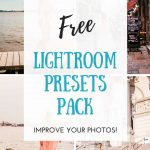
This post may contain affiliate links. If you click on one of these links and decide to make a purchase or a booking, I do earn a small commission from that at no extra cost for you. For full disclosure, check my affiliate disclaimer.
Do you know that feeling that everybody else’s pictures on Instagram look better than yours?
Well, I certainly knew that feeling when I was starting with Instagram in 2018! And it bothered me so much! Since then I have been obsessed with learning how to edit my pictures to give them “that Instagram look”. I tried Snapseed, I tried VSCO.
And then I tried the free app from Adobe Lightroom. That’s when it clicked. THIS is how they do it!
And so I watched tons of tutorials and slowly taught myself how to edit pictures for Instagram with Adobe Lightroom. Let’s just say that this software is incredibly powerful – and not very user-friendly for beginners.
After a while, I switched to using the paid desktop version of Adobe Lightroom CC. I currently pay for the yearly subscription for Lightroom CC + 1TB of data. I also started creating my own presets to edit my own pictures much quicker.
Why did I choose to switch to the desktop? Well, editing is simpler on the desktop and there are more functions. Plus, thanks to the 1TB of data in the Creative Cloud, my edited pictures are simply synced to my phone!
But back to the presets: I have been using them for quite a while and I am sharing them with you!
The main reason is that so many of you asked me on Instagram how I edit my pictures and which presets I use!
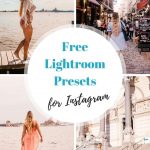
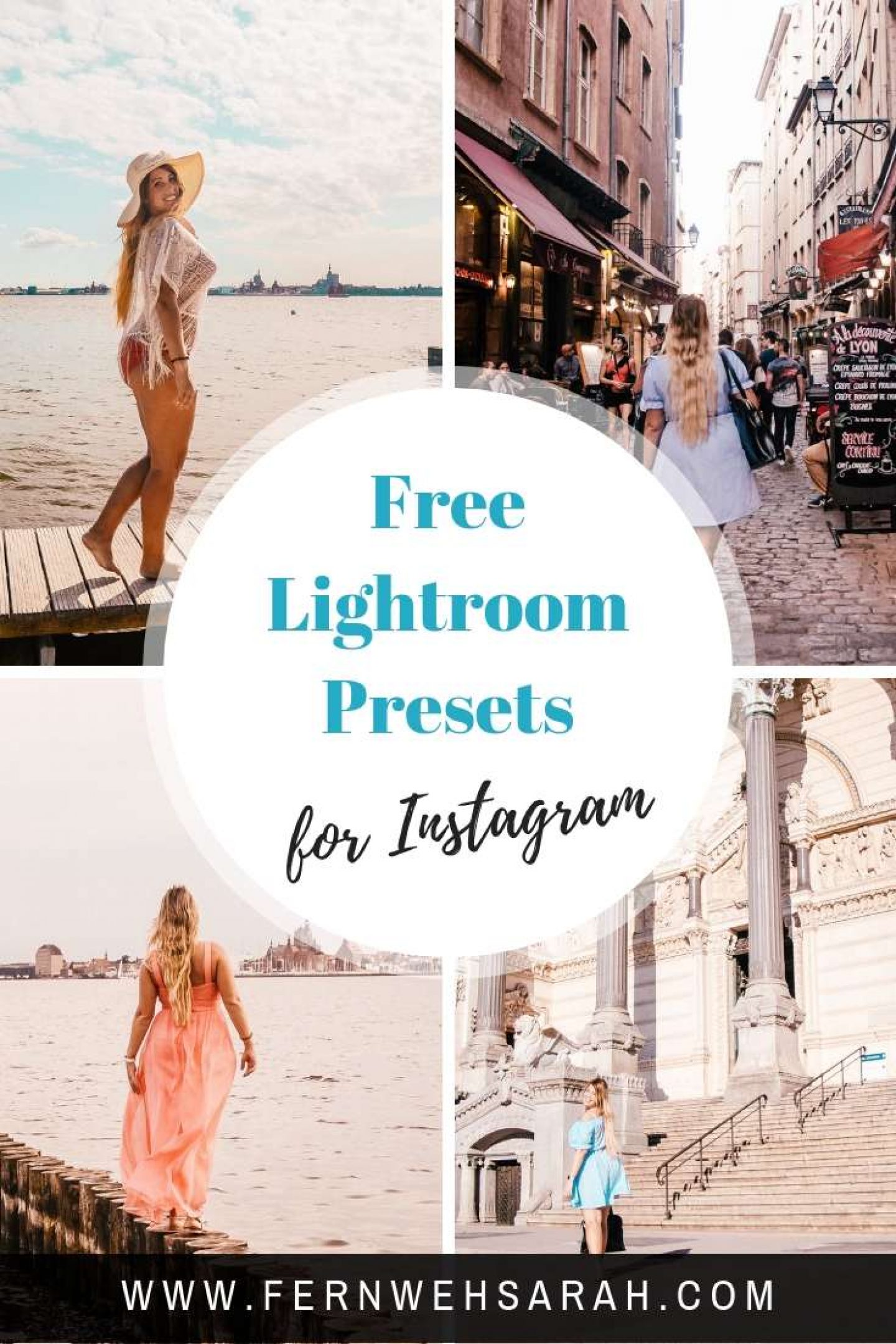
Pin this for later!

What are Lightroom presets?
Basically speaking, Lightroom presets are nothing else than the information about how some sliders are set in the Lightroom application – whether it’s desktop or mobile. I also wrote a complete post about what Lightroom Presets are and what they are NOT. You can read it here: Presets – what they are and what they are NOT
So why does everyone talk about presets then when it comes to Instagram? Well, Lightroom presets help you quickly improve your photos and give them more of an “Instagram look” – especially if the presets are tailored towards Instagram feeds!
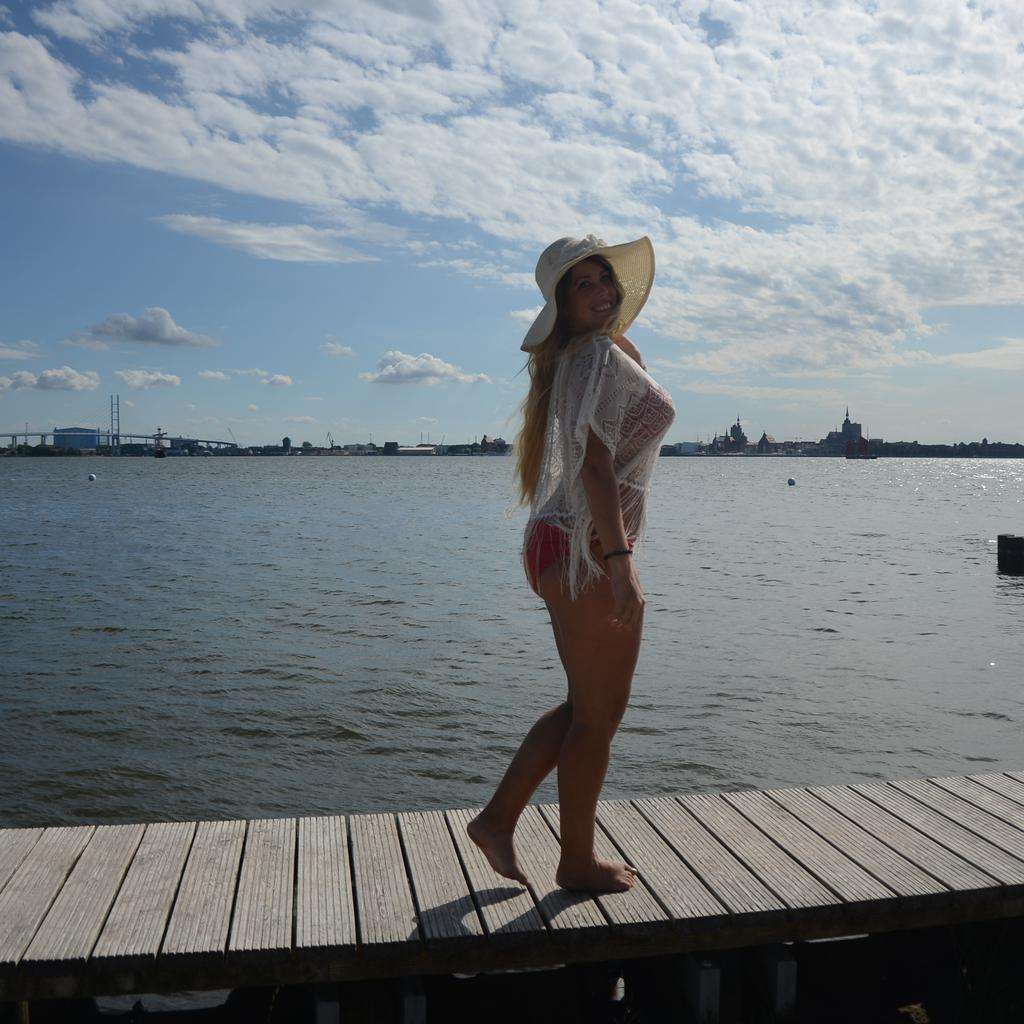
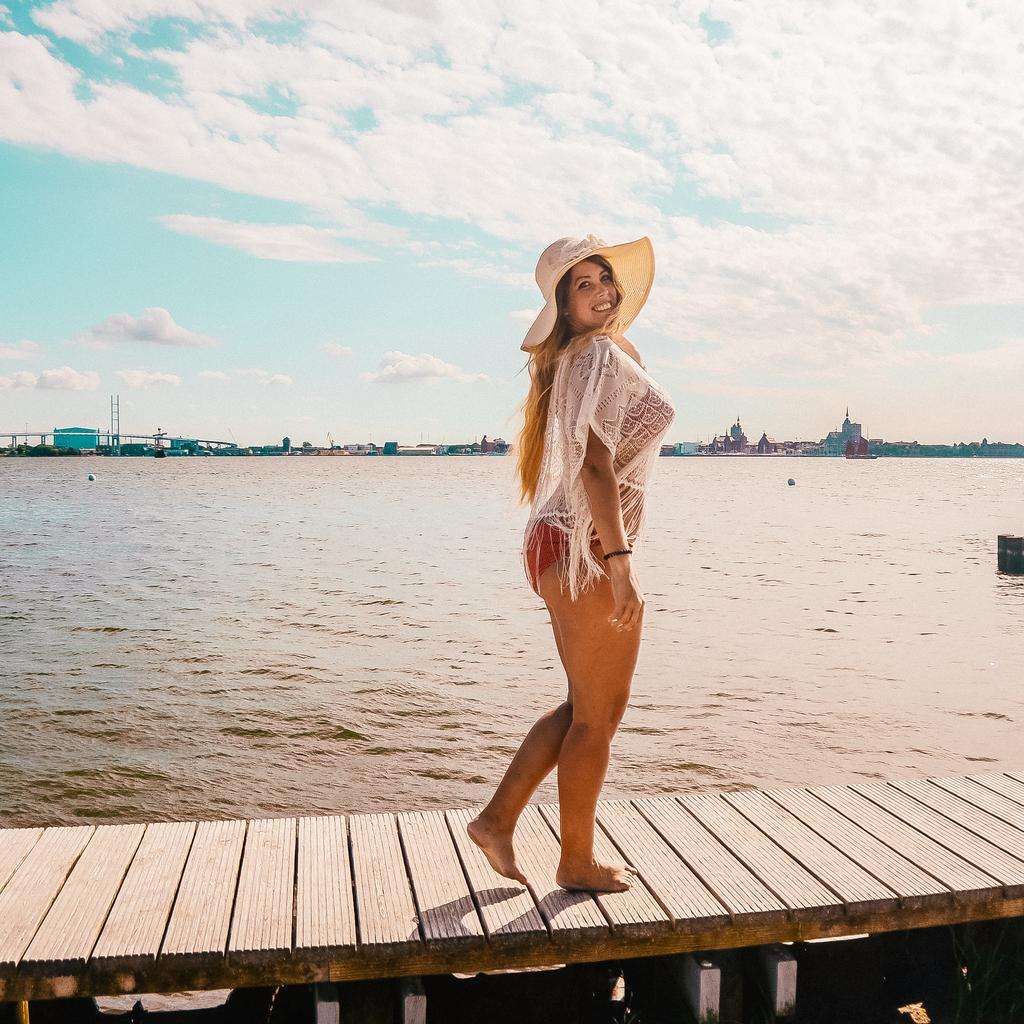
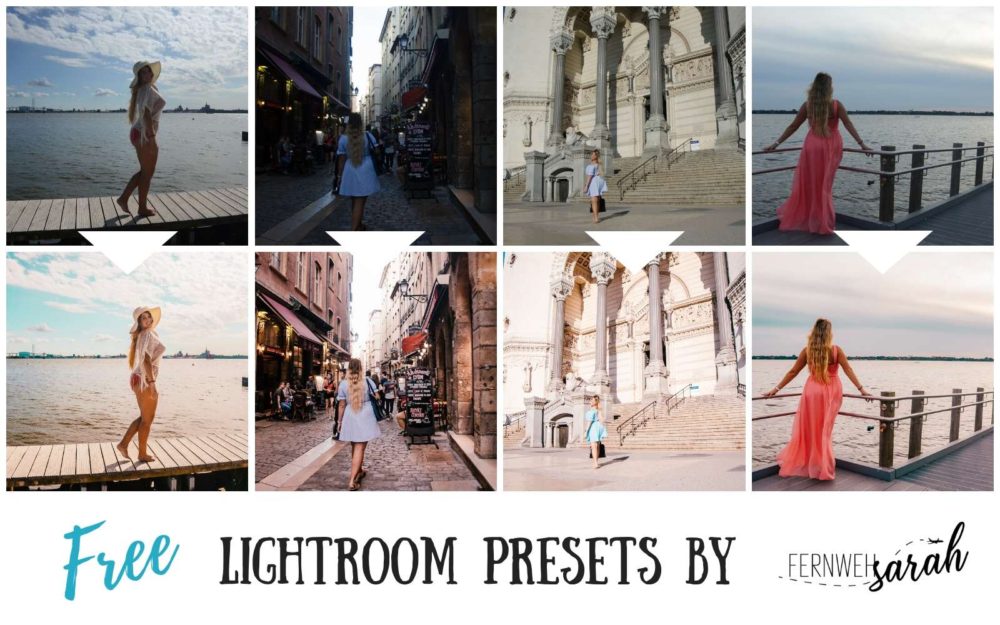
Below, you can see which difference you can achieve with ONE CLICK on my “Vieux Lyon 4” preset from my preset pack “Lyon – La Vie en France”!
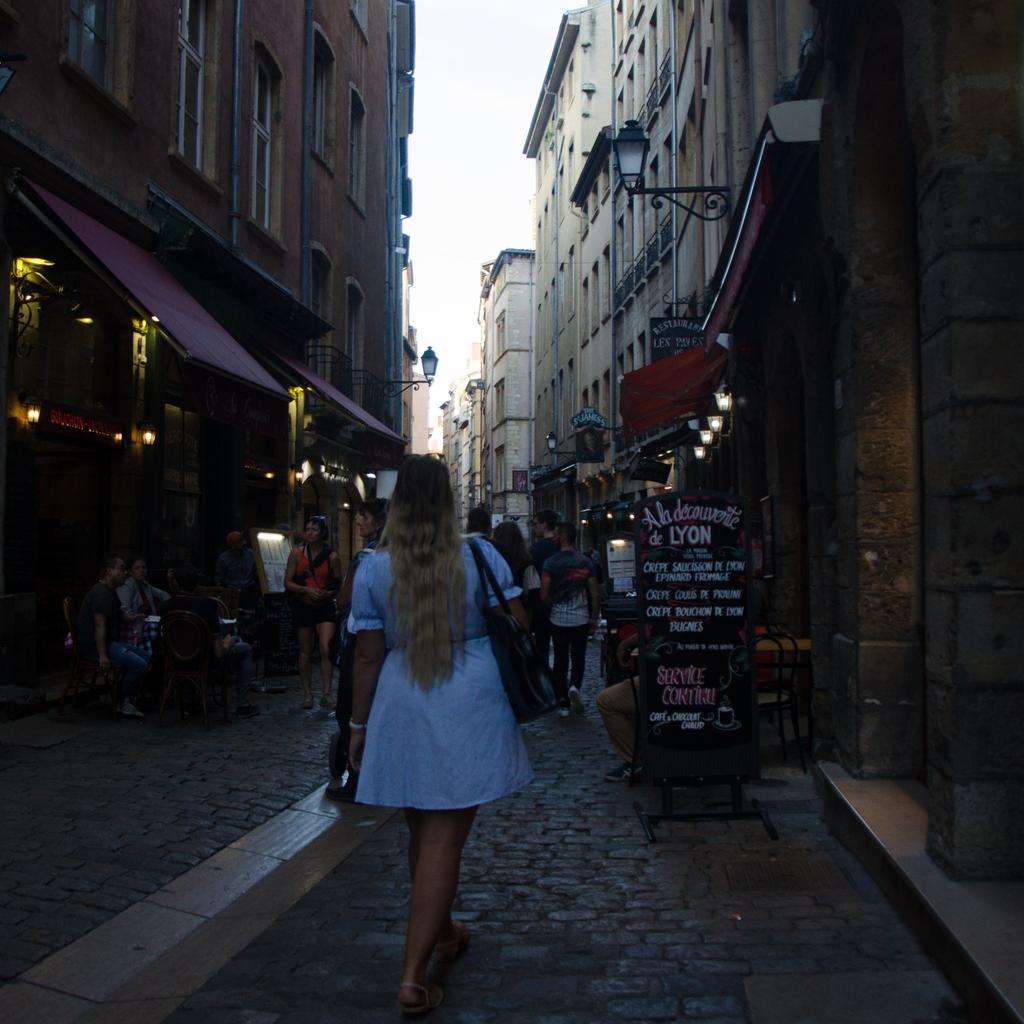
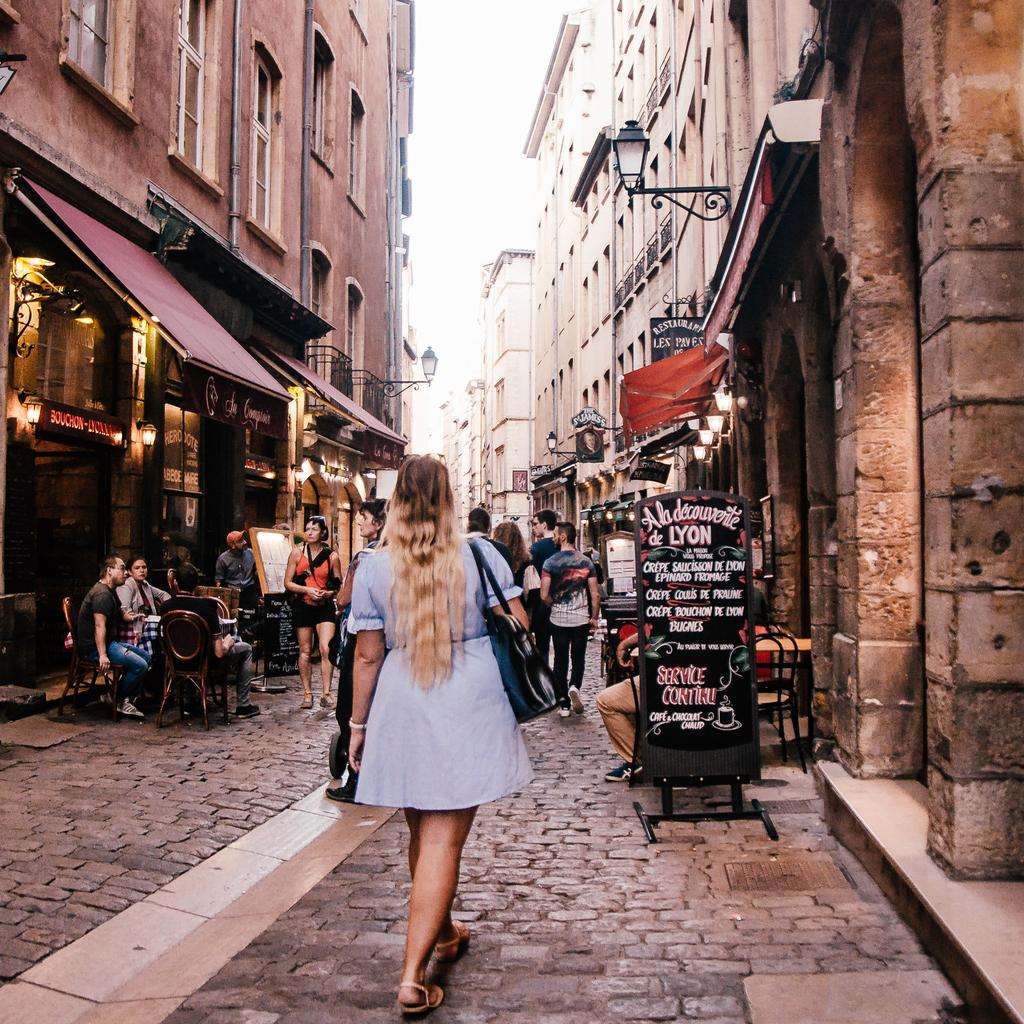
Presets never work the same way with every picture – that’s why you need more than just “one preset”.
The results are based on what the start picture looks like – is it too dark? Is it very bright? You need different presets for different light situations – and a good preset pack contains solutions for all of them!
Read: Why you need a preset pack instead of just one preset
What equipment do I use for my photos?
When I was traveling the world, almost all my pictures were simply shot with my phone – and it’s not even a super new one! ( I have a Samsung S7 (Update: Samsung S10 ) and I still love it for being super waterproof!).
But of course, you can get the best pictures if you use a “real camera” – we have a Nikon and we always shoot the pictures in their RAW format version NEF – this gives you the very best results when using Lightroom on the computer.
And all my underwater pics are shot with the Go Pro Hero 6 – we bought it while traveling and I ADORE it for their quality – especially when it comes to diving, you will see the difference to the Hero 5! I haven’t tried the GoPro Hero 8 yet – but I am sure it’s even better!
Last but not least, we are part of the drone club – we travel with a DJI Spark and we warmly recommend it. A lot of travelers use the DJI Mavic Air and it is definitely awesome. But if you are more budget-conscious I would opt for the Spark (Update: the best price-value solution right now is the DJI Mavic Mini)
Why am I offering you my presets for free?
Well, why do I give you some presets for free if I am selling them on my website? Well, there is a couple of reasons why I am offering you the option to download some of my presets for free:
No 1: I want you to love them BEFORE you buy
I am 100% confident that you WILL love the presets once you try them on your photos! But if you are like me, you hate buying stuff that you don’t really know much about. By offering you some of my presets for free, you can try them on your phone.
And then, if you like them (and you WILL) – you can still say “hey, I want more of them!”. One preset (or two) is not enough for all pictures. Light situations are different and so you need more presets to always have a good one to fit your picture.
No 2: I want to give something back to you
From day 1 you, my tribe, have been supporting me and motivating me to go on with Instagram, with Blogging and also with improving my editing skills.
So this way, I can say “Thank you!” – I would be super happy if you use my presets and if tell me if they helped you! Instagram shouldn’t be as hard – and editing isn’t easy to learn. Let’s have more fun instead!
And if you are on my page for the first time due to these presets: Have a look around! And if you like it – come back and become an active part of my tribe!
No 3: I want as many of you to use my presets on Instagram
I am incredibly grateful to see your editing results and learn from your issues how I can constantly improve my Lightroom presets for Instagram.
Whenever you use my hashtag #fernwehsarahpresets or tag @fernwehsarahpresets – I will have a look at your photos!
I am excited to see what you are creating with it! You don’t have to do this – but of course, I would love it (and I might make you one of my “beta testers” for new preset packs and send you free unreleased presets!!!)
How to get my free Lightroom presets
So, how do you get those free Lightroom presets that I am talking about? Good news, it’s now even easier than it was before!
Well, there are three things to do:
- Follow me on Instagram
- Sign up for my newsletter (see below!)
- Share this post (Facebook or Pinterest or similar :))
Please make sure that you confirm your subscription to my newsletter! (Otherwise, I can’t legally send you any other email – not even the presets!) After confirmation, I will send you the presets within the next 12h (after I checked that you followed the steps above).
The email that I will send you will contain a link to the free presets as well as a PDF guide on how to add presets to the free Lightroom mobile app!
Read: How to easily add and use presets using the free Lightroom mobile app
I hope this will really help you with your editing!
I’d be super happy if you use #fernwehsarahpresets or tag @fernwehsarahpresets when posting pictures to Instagram! I’ll personally check every picture with this hashtag! 🙂
Get even more presets!
In my shop, you can find even more Lightroom presets!
The packs are sorted by mood/color and all contain at least 10 mobile AND 10 desktop presets! I know a lot of girls do sell them separately, but I think this is nonsense. So I’ll always give you both!
And if you check the prices for the packs, you will see that one preset just costs as much as a cup of coffee!

Do these work on the lightroom app?
Hi Gabby – if you import the presets to Lightroom desktop you can use them on mobile too. But only them – presets need to be imported via desktop!
Hi! I pinned this to my Pinterest and signed up for the email/blog newsletter, and followed your Instagram. What else needs to be done in order to get the presets and how do we use them?
(Ps love your Instagram !)
Thanks in advance,
Meredith
I’ve already followed every step to recieve the presets! Can’t wait to try ur preset on my photo!!! Thankyou so much for being so kind with us,love u!!😘
Hey Nabila, you can directly download them in my member’s area! You should have gotten the password via mail already. Write me a short mail if something went wrong!
Dear Sarah, I completed all the steps, but didn’t receive the password. Hoe can I get it?
After confirming the newsletter subscription you will get a mail with the password. 🙂 Send me a mail if something went wrong!
hello Sarah) I completed all steps but did nor receive the password too(( what should I do?
Hi Mona, please send me an email so I can manually send you the password. Obviously I cant simply post it here 🙂
Hi! I keep plugging in the password you emailed me, but it doesn’t seem to be working??
Hi Christina – Please note that it is case sensitive- use a capital letter where I used one and you’ll be fine 🙂
Yes i assumed so, so i did it both ways, capital and not and it still didn’t work
Hey! I’m so excited for these presets!! I followed your insta, subscribed to your newsletter and pinned this to my pinterest, what next?!
hi I did all that was required, I hope it works! please let me know if it didn’t 🙂
you will get the presets probably in one hour or so – maybe they send out a bit slow 🙂
Hi Sarah ive already did whats on the instruction
Hi there – you will get the presets in a mail within the next hours!
Hi! I’ve falowed the steps and I can’t wait to try this presets😊
Hi!I’ve just followed the steps and I can’t wait to try this presets😊
Hi, I’ve followed the steps <3
Hi Ninda – you will soon have the free presets in your inbox 🙂
I complete all the steps!!! 🤗
Hey Sarah! Love your feed! Just completed all three steps, super excited for these presets!
Just received the email with the presets! Thanks, they are awesome!
Hi! I just completed the steps above! Can’t wait for my presets ☺️
hey I have subscribed to your newsletter, followed you on Ig and shared your post. looking forward for preesets 🙂
done! can’t wait for my presets
Can’t wait to try the presets!
I tried to do all steps to get the presets but I cant find anywhere where to sign up for newspaper 🙁 I did the other 2 just need sign up and it showing me anywhere or giving me any options
me too! please help 🙂 is really excited abt these presets.
Just signed up soooo excited to try the presets 💚
Hey, I compleated all the requirments, but am not sure how to conferm. Please let me know what i need to do! Thank you, I am so excited!!
Hey Sarah! I loved your idea! I love your ig account, i didn’t know you before! Followed the steps and can’t wait to use the presets and tag you!
Ok 3 steps done!!
Can’t wait to have a password to use free presets from you🥰 I already done with all step….
I have followed steps and joined news letter. excited to get your presets
I have done all the step, looking to get your free presets. Please send to my email: [email protected]
Many thanks!
just finished all three steps! can’t wait to try the presets.
Did all 3 steps!!
Hey Sarah,
waiting for you Passwort to the member Account =)
Do all 3 Steps… waiting for the present 😊
can’t wait for you to send me these presets!!
I love all your presets! 😍
aww thanks so much Maria! I really put a lot of effort into these! 🙂
I love your presets!😍😍
Awwww thanks so much Destiny! Really hope that these presets help people editing their pictures more easily!
Hi! I’ve followed all the steps, eagerly awaiting my presets! I can’t wait to start using them 🙂
I followed the steps! Can’t wait to start using the presets on my new blog!
Hello! I’m trying to subscribe to the newsletter but I don’t seem to receive the e-mail to confirm the subscription, I tried with two different e-mails and nothing happens, there’s nothing in the spam section also. What can I do?
Hi! I love how your presets look! I completed all the steps required and I emailed you letting you know!